1️⃣ Copy URL
Copy the public video URL from your favorite site.

Fast, Safe & Free — Paste URL → Preview → Download. No sign-in required.
Please download and use only in accordance with the terms of the content provider and applicable laws.
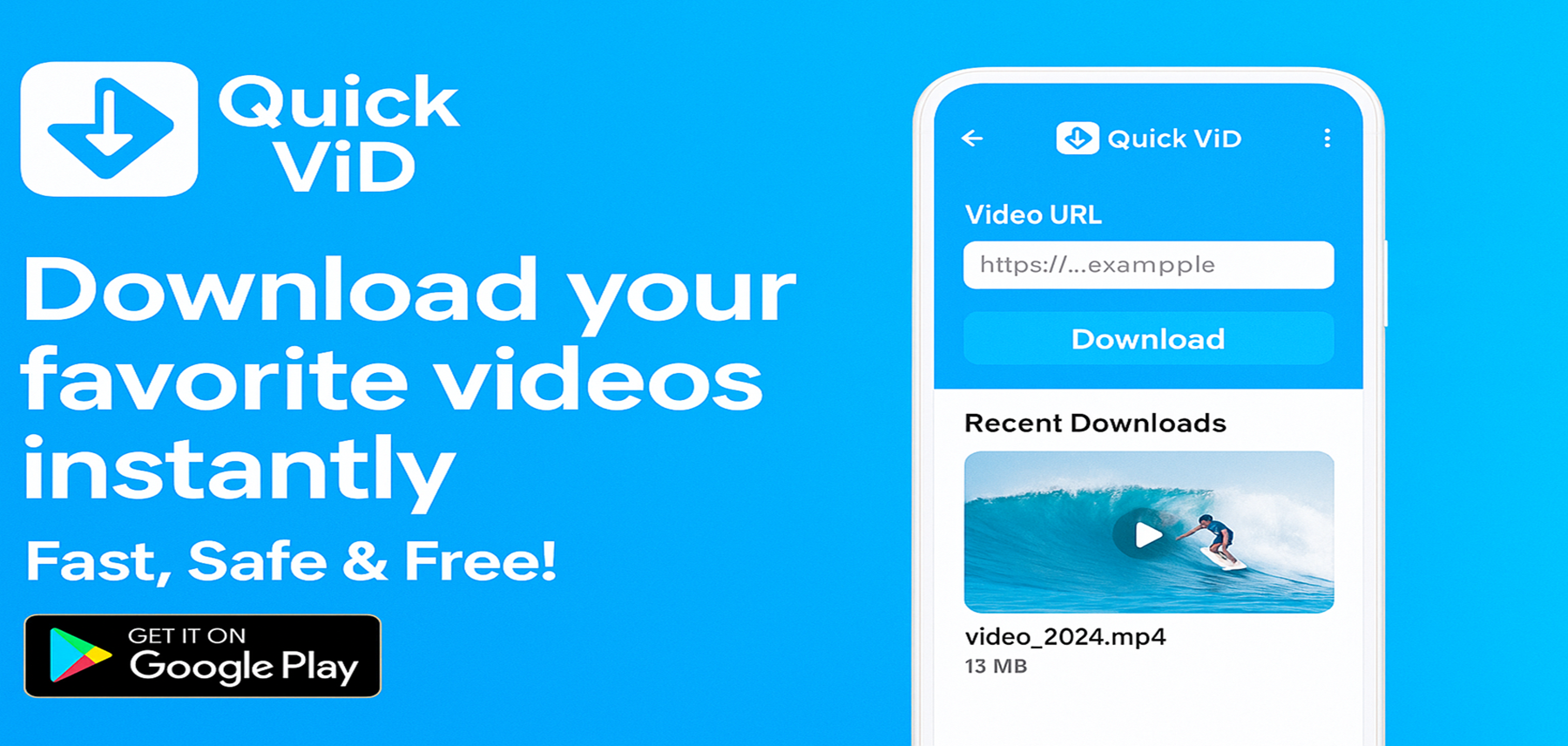
Copy the public video URL from your favorite site.
Open Quick ViD, paste the link, and check the preview.
Select quality and format (when available) and save offline.
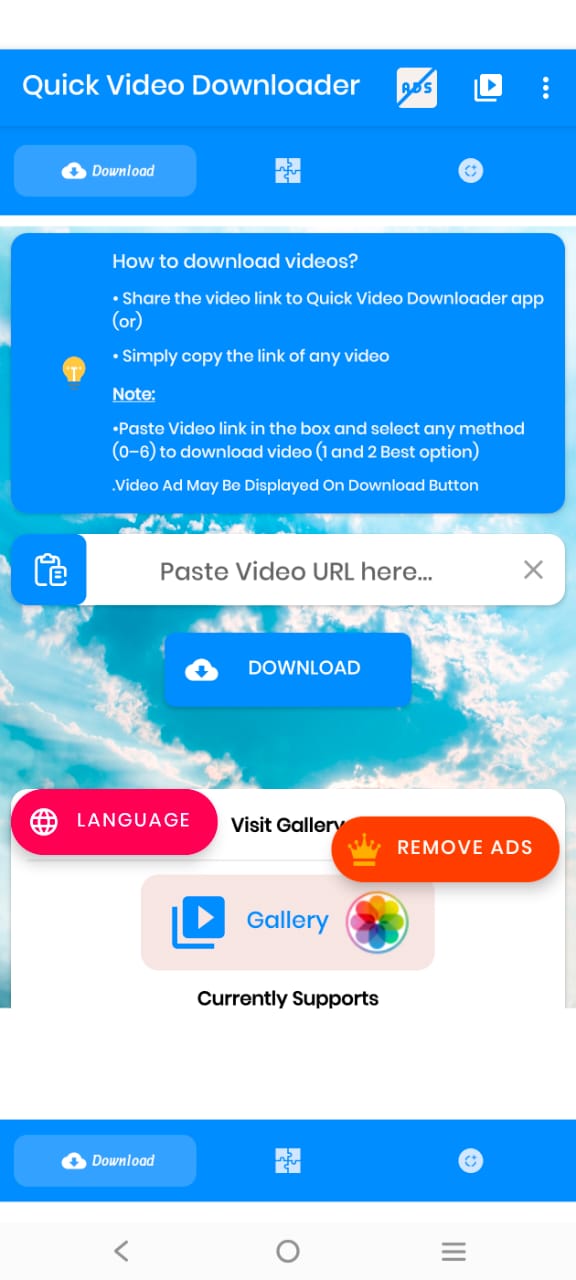
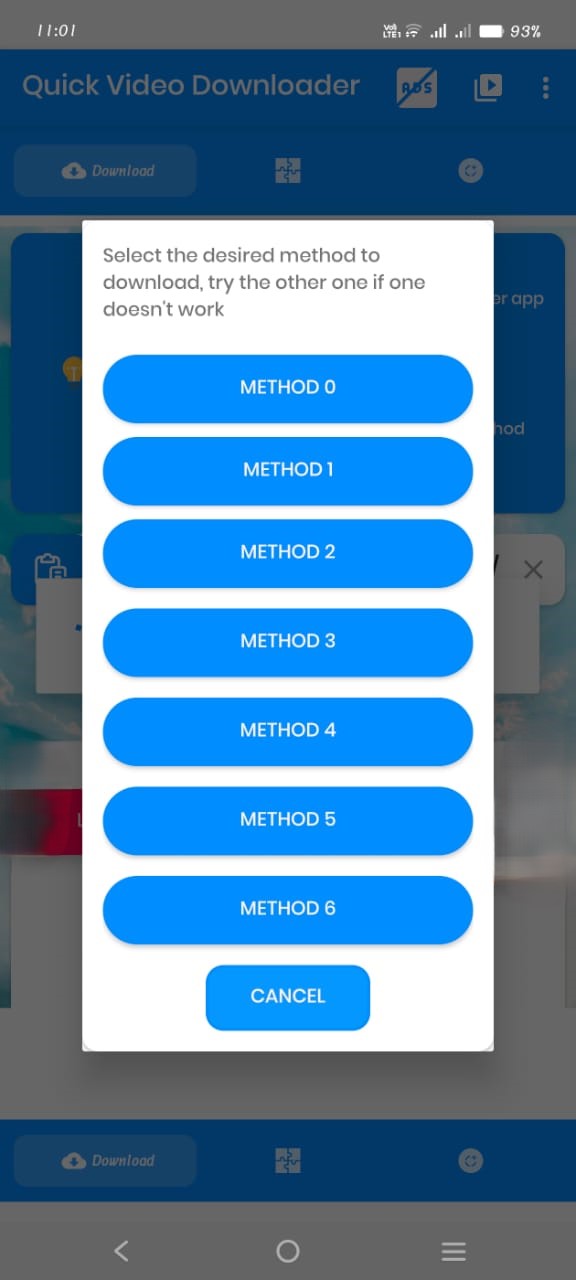
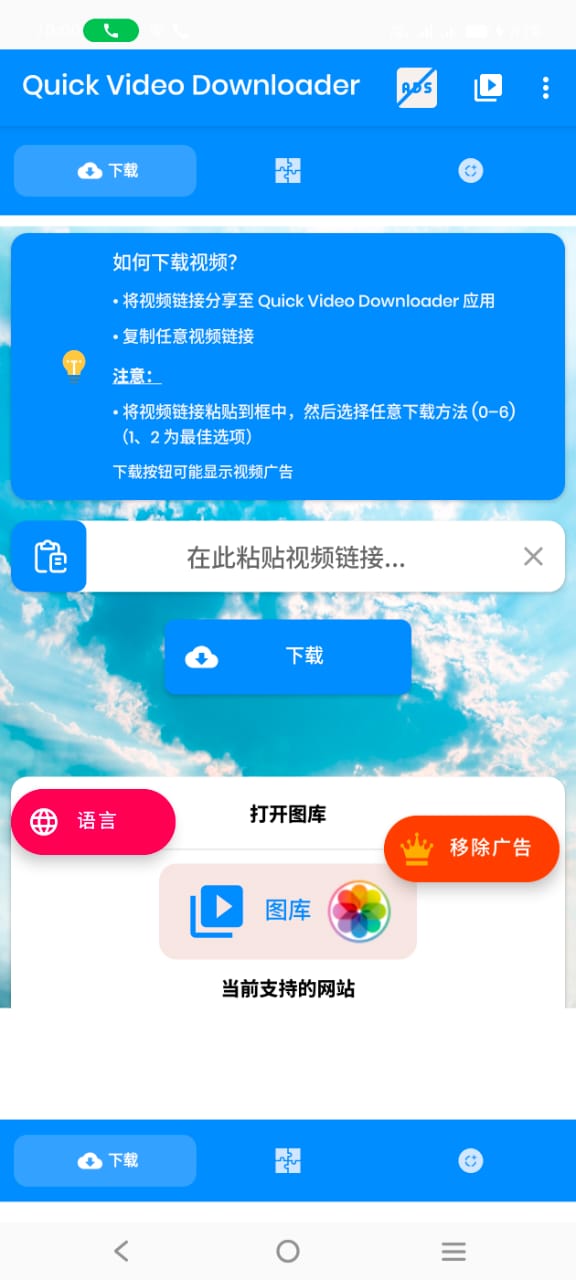
Paste Video link in the box and select any method (0–6) to download video (1 and 2 Best option).
Video Ad may be displayed on Download Button.
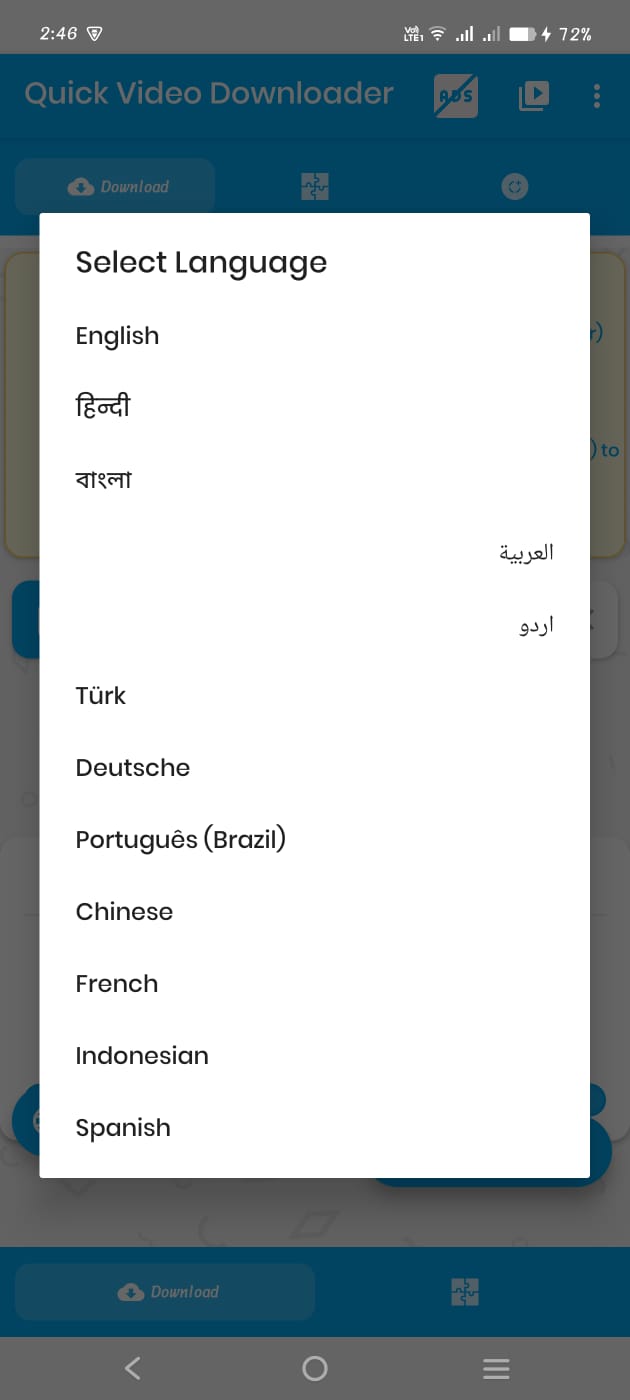
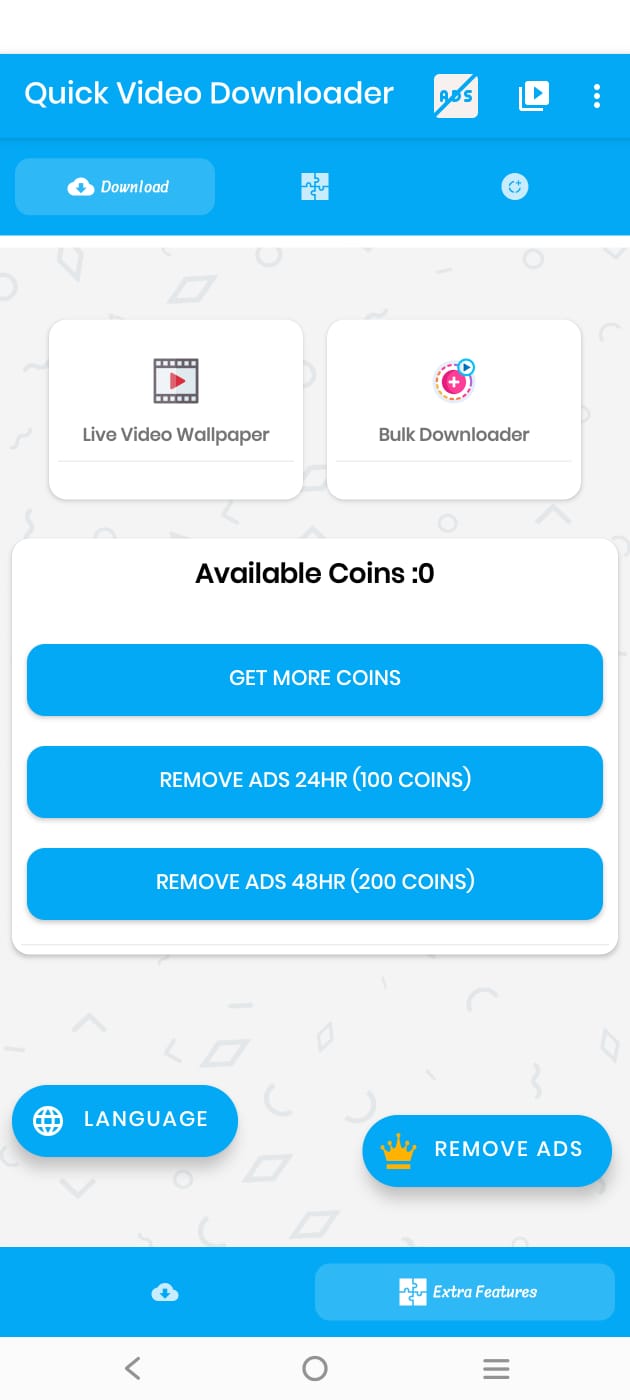
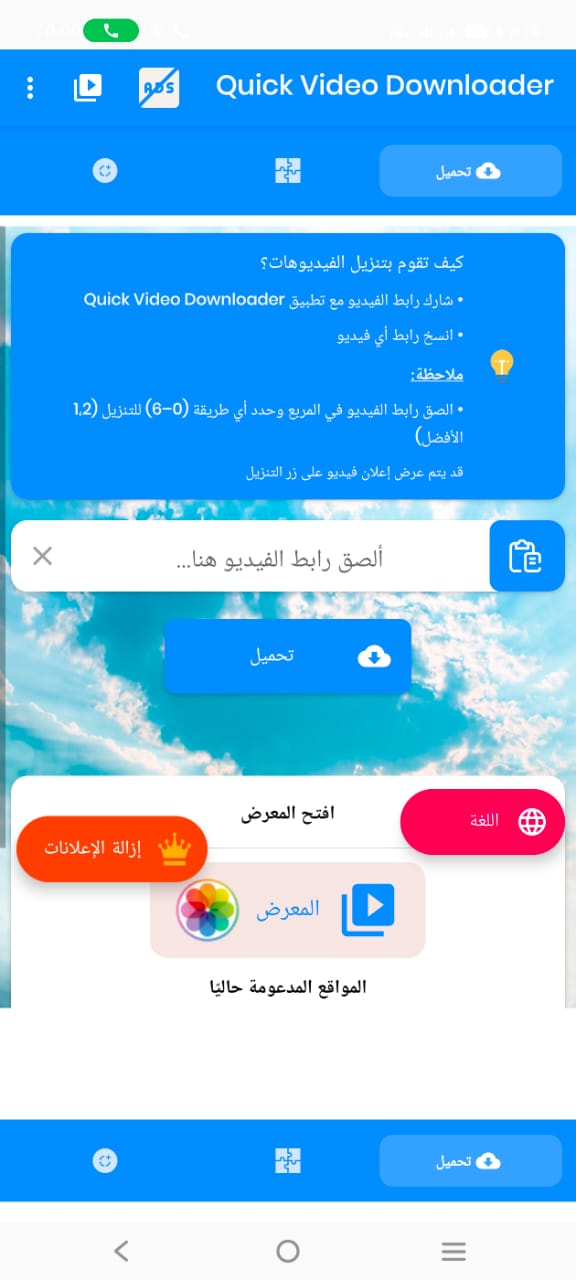
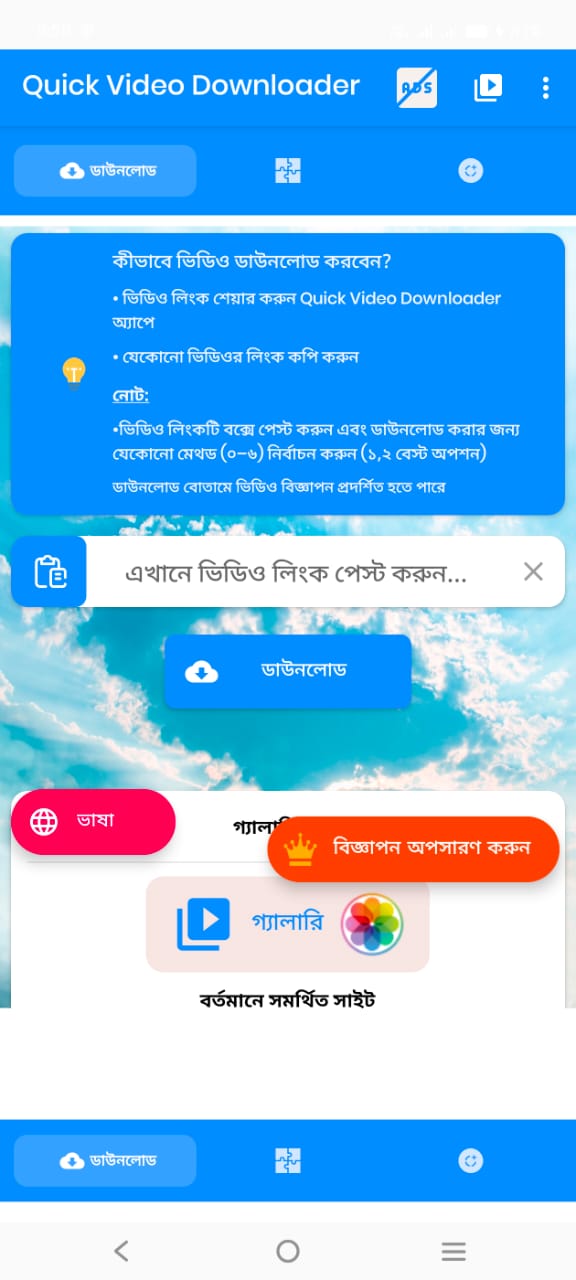
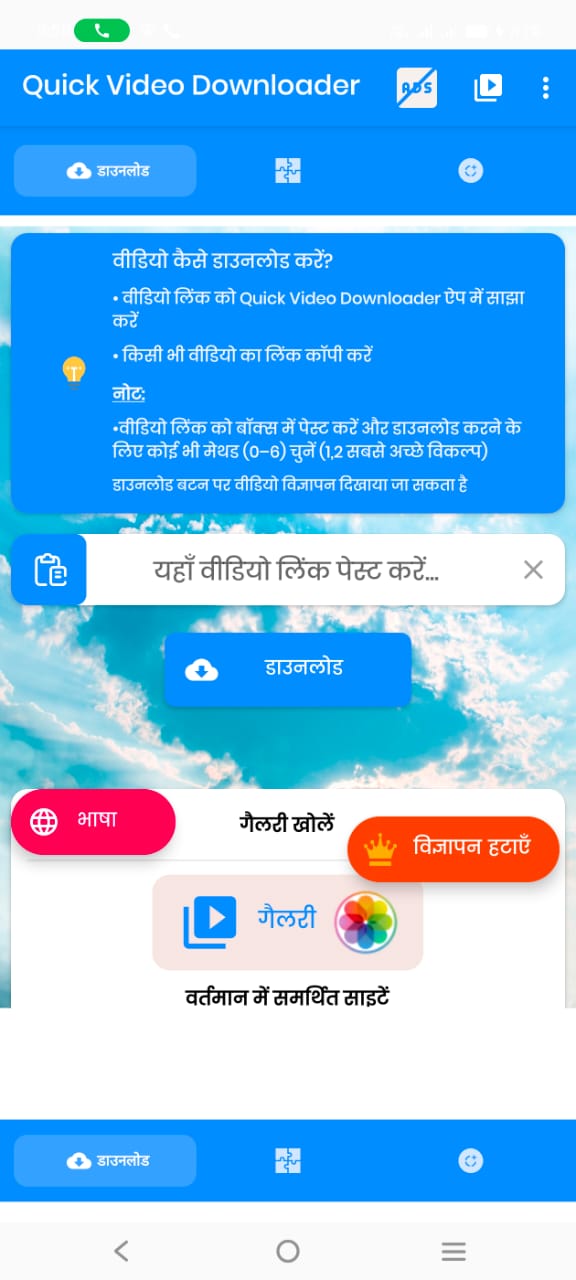
Only download content you have the right to use. Always follow the source website's terms and policies.
Quick ViD does not collect personal login data; it only requests minimal permissions needed for downloads.
By default in the “QuickVD” folder on your device. You can change this in Settings.
Have questions or feedback? Email us: mehedi.cpi23@gmail.com